
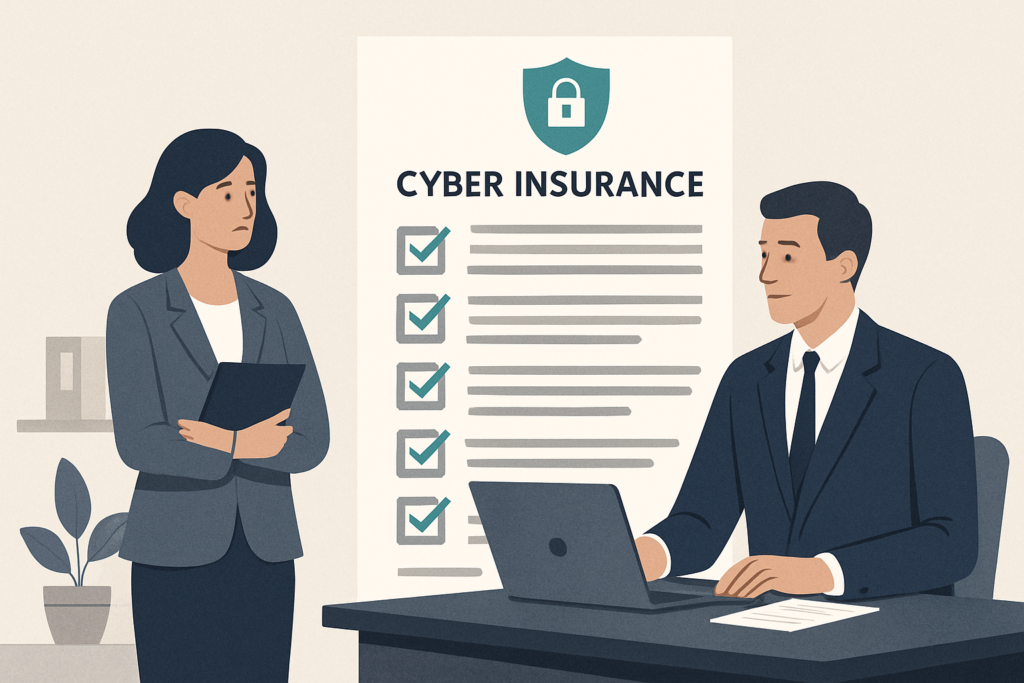
If your cyber insurance renewal is coming up, you’ve probably noticed the application looks different than it did a couple of years ago. It’s longer. The questions are more specific. And the stakes for answering incorrectly are higher than most business owners realize.
Every new section on that form traces back to a specific, expensive claim from 2023 or 2024. Carriers got burned, updated their underwriting criteria, and the questions changed to reflect what they learned. The expensive mistake isn’t a gap in your security. It’s overstating the controls you have in place, because if a forensic investigation after a claim finds your environment didn’t match your application, the carrier can void the policy entirely.
This post covers why the application got longer, what each new section is really asking, and what to fix in the 30 days before you submit.
Why the Renewal Application Got Longer
Three specific events reshaped how carriers write cyber insurance applications today.
The MOVEit supply-chain breach surfaced on May 28, 2023, when Progress Software received reports of unusual activity from customers. The Cl0p ransomware group had been exploiting an unknown vulnerability in Progress Software’s MOVEit Transfer file-sharing tool, with activity detected as early as February of that year. By late 2023, more than 2,650 organizations and over 66 million individuals had been affected, with totals rising further into 2024. Carriers paid claims across that entire footprint, and the experience rewrote how underwriters ask about third-party software risk.
The Change Healthcare ransomware incident in February 2024 froze U.S. healthcare claims processing for weeks. The attacker gained network access on February 12, 2024, and deployed ransomware nine days later. The absence of multifactor authentication on a key entry point made the initial intrusion possible. Industry analysts estimated the cyber insurance loss from that single event at over $250 million, and carriers responded with much tighter questions about backup integrity and incident response readiness.
The Arup deepfake wire fraud from early 2024 changed the conversation around social engineering entirely. A finance employee at the engineering firm’s Hong Kong office transferred $25.6 million across 15 wire transactions after a video call with what appeared to be the company’s CFO and other executives. Every person on that call was AI-generated. Out-of-band callback verification for wire transfers is now on every underwriter’s checklist, without exception.
If your firm handles client funds, sensitive records, or regulated data, such as a law firm, accounting practice, insurance agency, or healthcare operation, your application is among the longest. You sit squarely in the loss categories carriers got hurt on.
The Backup Question Changed
What used to be a single yes/no question about backups now asks whether those backups are immutable or air-gapped, when they were last tested for restoration, and whether they can be deleted by someone using your standard administrator credentials.
An immutable backup is one that nobody can modify or delete during a fixed retention window, including an attacker who just stole your admin password. Air-gapped means the backup copy lives on infrastructure that can’t be reached from your main network at all. CISA’s Stop Ransomware Guide lists immutable, tested backups as a baseline control. Cyber insurance carriers are now using that same standard.
Saying “we back up to Microsoft 365” is no longer a passing answer. Microsoft 365’s native retention tools are not a backup in the sense the carrier means. And a third-party backup that uses the same login credentials as your production environment can be wiped by a compromised admin account just as easily as the original data.
The strongest answer references a backup platform with object lock or write-once-read-many storage enabled, an immutability window of at least 14 days (30 days is now preferred), credentials that are fully separate from your production admin accounts, and a documented, successful restore test within the past 12 months. Weaker answers, like daily backups to a drive on the same network with no restore test on record, typically trigger follow-up underwriting questions and sometimes a premium adjustment.
MFA Questions Go Deeper Than One Checkbox
Multifactor authentication used to be a single yes/no question. Current applications ask whether MFA is enforced on email, VPN, remote desktop connections, all administrator accounts, and privileged service accounts. All five need a yes for a clean pass.
SMS-based MFA, where a code gets texted to a phone, is now treated as the weakest option. SIM-swap attacks have made text codes genuinely unreliable for high-value accounts. Several carriers now ask specifically whether your MFA uses an authenticator app, a hardware token, or push notification with number matching, rather than a text message. If your admin accounts still rely on SMS codes, expect a follow-up or a premium adjustment.
There’s also a newer question about privileged access management, or PAM. PAM tools are designed to keep your most powerful administrator passwords out of regular password managers and away from everyday use. A PAM platform stores those credentials in a secure vault, rotates them automatically after each use, and logs every session. The practical effect is that a stolen admin password can’t quietly be used for weeks before anyone notices.
If you don’t have a PAM tool yet, admin passwords stored in a shared password manager with annual rotation will usually trigger follow-up underwriting. Shared admin accounts that never rotate and produce no audit log are the configuration most likely to result in reduced coverage limits or non-renewal.
The Wire Transfer and Deepfake Verification Questions
After the Arup case and a run of business email compromise losses, carriers added callback verification questions to their standard applications. Callback verification means that before any wire above a defined threshold (commonly $10,000 or $25,000) goes out, the person authorizing it calls the recipient at a phone number that was verified and stored in advance, not the number on the incoming email or request.
Several current applications also ask separately whether staff have been trained on AI voice cloning and deepfake video risks. That question didn’t exist two years ago. The Arup case made it relevant for every carrier writing policies in professional services.
Accounting firms, law firms with escrow or trust accounts, and real estate brokers will see this section looked at most carefully. Anyone moving other people’s money is an attractive target, and wire fraud claims are expensive for carriers to cover.
A strong answer here references a written wire transfer policy, dual approval requirements, callback verification to a pre-verified phone number for transfers above a stated dollar threshold, and annual training that includes deepfake awareness. Wire transfers authorized by email approval alone are the configuration carriers are increasingly declining to cover at all.
EDR, MDR, and the End of the “We Have Antivirus” Answer
Traditional antivirus scans files against a list of known threats. It’s a bit like a doorman who only stops people on a known list. Endpoint Detection and Response (EDR) works differently: it watches the behavior of each device and flags suspicious activity, like a process that starts encrypting files or attempting to gain elevated system privileges. Managed Detection and Response (MDR) adds a 24/7 team that monitors those alerts and actually responds when something fires at 2 a.m. on a Sunday.
Current applications ask whether you have EDR deployed, whether it covers every device and server, and whether a 24-hour security operations team monitors and responds to alerts. The MDR question is increasingly a straight yes or no, and the no answer carries pricing consequences.
If you don’t have MDR yet but have a vendor selected and a deployment date scheduled, say so plainly. Underwriters can work with a credible timeline. They can’t work with vague answers about future plans with no specifics attached.
The Vendor Risk Questions
Supply chain questions used to be a single checkbox. After MOVEit and Change Healthcare, carriers now want a full section on the software vendors that hold your data.
Expect something like: “List your top five software vendors with access to sensitive data and confirm whether each provides a SOC 2 Type II report or equivalent.” A SOC 2 Type II report is an independent audit confirming that a vendor’s security controls actually work over time, not just that they exist on paper. If you’ve never asked your practice management software vendor for one, that conversation is overdue.
You’re not expected to conduct a full audit of every vendor’s security program. The carrier wants to see that you know who your top vendors are, what data they hold, and that you’ve asked the basic questions. An honest answer like “we’ve identified our top five vendors and have received SOC 2 reports from three, with two still outstanding” reads better than a confident answer that falls apart during post-claim discovery.
The Mistake to Avoid: Misrepresentation and Rescission
The most dangerous answer on a cyber insurance application is the one that overstates what you have in place. These applications are warranty documents. If a forensic investigation after a claim finds your actual environment didn’t match what you declared, the carrier can rescind the policy.
Rescission means the policy is treated as if it never existed. Your claim is denied. Any prior payouts under that same policy term can be clawed back. Some courts have found that the carrier doesn’t need to prove a direct connection between the misrepresentation and the specific loss. The misrepresentation itself is sufficient grounds.
The fix is straightforward. If a question asks about MFA on all admin accounts and you have a gap, say so and include a remediation date. Carriers respond better to honest gaps with a plan than to polished answers that don’t survive a forensic review. Checking “no” or “in progress” may raise your premium or tighten your coverage terms. That cost is predictable and manageable. Discovering misrepresentation after a claim can void the policy entirely, leaving you to absorb the full incident cost yourself.
The 30-Day Pre-Renewal Checklist
Work through this in order. Most items are achievable in a month if you start now.
Week 1. Confirm MFA is enforced on email, VPN, remote desktop, all administrator accounts, and any service accounts that support it. Move admin MFA off SMS to an authenticator app or hardware token.
Weeks 1 to 2. Verify your backups are immutable or air-gapped. Run a test restore and document the result with the date and screenshots. That documentation is your evidence for “tested within the past 12 months.”
Week 2. Write a one-page wire transfer policy requiring callback verification to a previously verified phone number for any transfer over your chosen threshold. Get it signed by anyone authorized to approve payments.
Weeks 2 to 3. Confirm EDR is deployed on every device and server. If you’re still running traditional antivirus only, get quotes for EDR or MDR now so you can answer the application with a real deployment timeline.
Week 3. Identify your top five software vendors with access to sensitive data and request SOC 2 reports or equivalent attestations. Note who responded and who didn’t.
Weeks 3 to 4. Document or update your incident response plan, then run a 60-minute tabletop exercise with your leadership team. Keep the notes from that session. They’re your evidence for “incident response tested in the past 12 months.”
Week 4. Sit down with the application and answer honestly. Flag anything you couldn’t address, with a specific remediation date attached to each gap.
Article FAQs
What does rescission mean on a cyber insurance policy?
Rescission means the carrier voids the policy from its inception after discovering material misrepresentation on the application. The policy is treated as if it never existed, the current claim is denied, and any prior payouts under the same policy term can be clawed back.
Will my cyber insurance be denied if I don’t have MFA on everything?
Not always denied outright. Expect a significant premium increase, sub-limits on ransomware coverage, or exclusions for incidents that trace back to the unprotected entry point. The most common gap that triggers this is MFA missing on privileged or service accounts.
What is the difference between EDR and MDR on an insurance application?
EDR (Endpoint Detection and Response) is the technology that watches device behavior and flags suspicious activity. MDR (Managed Detection and Response) is the same technology plus a 24/7 team that monitors alerts and responds when something fires. Carriers increasingly want both, and the application often asks about each one separately.
Why are cyber insurance renewal applications longer than they used to be?
Carriers added detailed sections in response to specific 2023 and 2024 losses, including the MOVEit supply-chain breach, the Change Healthcare ransomware incident, and the Arup deepfake wire fraud. Each event drove changes to backup, MFA, vendor risk, or wire transfer questions on subsequent applications.
Can my cyber insurance claim be denied if I answered the application incorrectly?
Yes. Material misrepresentation on a cyber insurance application can trigger rescission, which voids coverage retroactively. Many courts have found that the carrier does not need to prove a causal connection between the misrepresentation and the specific loss.
What does immutable backup mean on a cyber insurance application?
A backup that cannot be modified or deleted for a defined retention period, even by someone using stolen administrator credentials. Cloud object lock and write-once-read-many storage are common implementations. Most carriers want a retention window of at least 14 days, with 30 days now the preferred standard.
Cyber insurance is one of those things, like hurricane season prep here in New Orleans, where the work you do before the event determines whether the protection actually holds when you need it. If your renewal is coming up and you’re not sure how your current setup maps to these new questions, Bourn Technology can walk through it with you before you submit the application. We help businesses across the Greater New Orleans area get their controls documented and in order so the answers on the form reflect what’s actually in place. Reach us at (504) 262-1234 or hello@go.bourntech.com.