
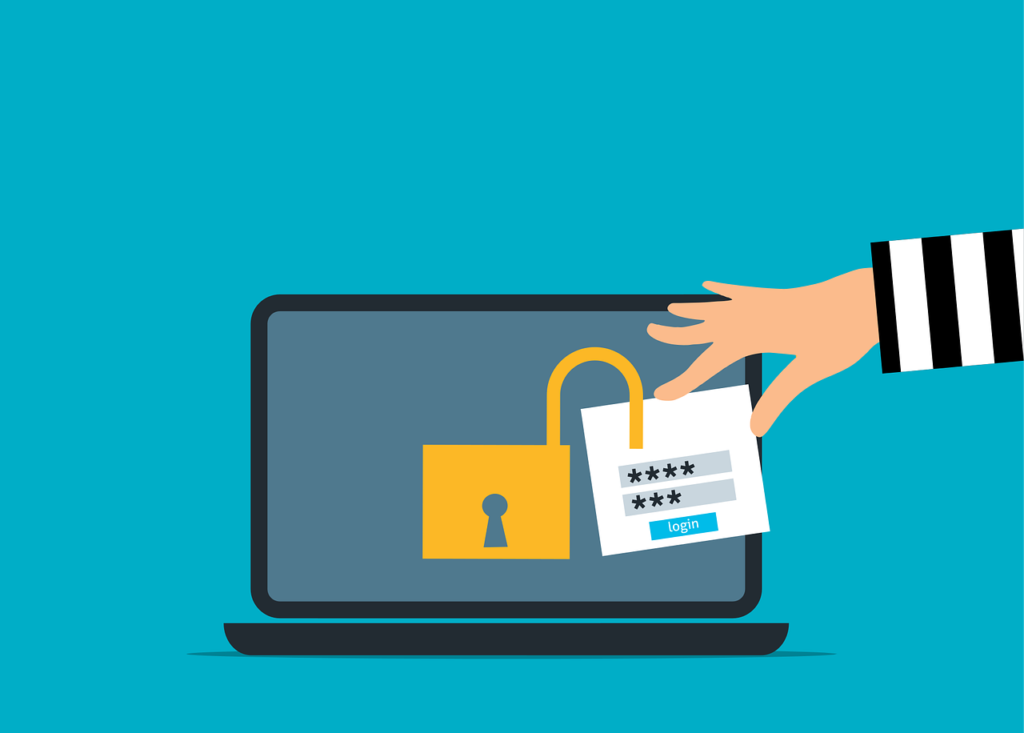
Multi-factor authentication is one of the best security upgrades your business can make. It isn’t the only thing protecting your accounts. After you sign in, your browser holds onto a small file (called a session cookie) that proves you’re already logged in. Think of it like the wristband you get walking into Jazz Fest. Security checked your ID once at the gate, and the wristband does the rest of the work. Steal that wristband, and you don’t need to fake an ID. You just walk in.
That’s session cookie hijacking in a nutshell. The attacker isn’t breaking your MFA. They’re skipping it entirely by reusing a session your browser already opened.
This isn’t a reason to ditch MFA. It’s a reason to stop treating MFA as the whole answer. When the wristband itself can be stolen, real protection means layering. Stronger sign-ins. Healthy computers. Tighter session rules. Monitoring that catches a stranger wearing your wristband.
Why MFA Isn’t the End of the Story
MFA is still one of the highest-leverage upgrades a small business can make. It just isn’t the last word. Attackers stopped trying to beat the login screen years ago. Now they go around it.
Cloudflare reports that “attackers are finding new ways to circumvent MFA,” and the attacks they see are rarely just one trick. They’re a string of moves stacked together. MFA blocks a huge amount of password theft. It does not automatically protect what happens after a user signs in. That’s where session cookie hijacking lives.
Microsoft’s security team has documented phishing campaigns where an attacker quietly stands up a fake login page that passes everything through to the real site in real time. Your password gets captured. Your MFA code gets captured. Then your session cookie gets captured. Microsoft calls this “not a vulnerability in MFA,” and they’re right. Nothing about MFA was broken. The attacker just walked off with the wristband.
What a Session Cookie Is, and Why Attackers Want Yours
When you sign into a web app, the site has to remember you. Otherwise you’d retype your password and MFA code on every click. That memory is called a session, and it usually lives in a small file in your browser called a cookie.
Kaspersky notes that session hijacking is “sometimes called cookie hijacking” because that’s where the proof of your login is stored. Cookies are convenient for you. They’re also convenient for a criminal who knows how to lift one.
Proofpoint describes these session cookies as digital keys that keep you logged in. Steal a valid one, the company warns, and an attacker can pose as the actual user and slip past the same controls that were supposed to stop them, “MFA” included.
That’s the whole game. The attacker doesn’t need to break in through the door. They borrow the key you already turned. Once they’re inside, they see what you see: email, the client matter file, the policy renewal queue, the trust accounting platform. From the outside, it looks like a normal day at the office. For your client, it’s the phone call you really don’t want to make.
How Session Cookie Hijacking Actually Happens
Most people picture account takeover as someone guessing a password or tricking a user into approving a push notification. Session cookie hijacking works on a different premise. The attacker isn’t trying to look like you at the front door. They’re trying to take the proof you already passed through it.
1. The fake login page that relays in real time
This one has a clinical name (adversary-in-the-middle phishing), but the idea is simple. You click a link in an email and land on a page that looks exactly like your Microsoft 365 or Google sign-in. You type your password. You approve your MFA prompt. Everything works. You get into the real site.
Behind the scenes, the page you typed into wasn’t the real site at all. It was a copy sitting between you and the real one, quietly handing your password, your MFA approval, and your session cookie back to the attacker.
Microsoft has documented a single campaign that tried to target more than 10,000 organizations since 2021. This isn’t a fringe technique. It’s industrial scale.
2. The browser-in-the-middle takeover
A close relative of the above. Here, the attacker quietly steers a browser session the victim is actually using. Same idea, more direct. The attacker grabs the cookie and reuses it.
Google’s threat researchers say it plainly: stealing the session cookie is “the equivalent of stealing the authenticated session.” Once that cookie is in the attacker’s hands, there’s no MFA prompt to worry about. They’re already inside.
3. Cookies stolen straight off a computer
Sometimes there’s no fake login page at all. The attacker just lifts the cookies directly off a laptop or desktop that’s been infected with malware. The malware reads your browser’s cookie files and sends them off. Suddenly someone in another time zone has the same access to Microsoft 365, your practice management software, and your bookkeeping cloud that you do.
Invicti’s writeup on cookie hijacking describes this pattern as an attacker grabbing the cookies and walking into whatever they protect. One overlooked laptop on your network isn’t an isolated mess. It’s a way in.
MFA Is the Floor, Not the Ceiling
None of this is an argument for backing off MFA. It still blocks the vast majority of basic account takeover attempts. Session cookie hijacking is a reminder that smart attackers don’t always pick the lock on the front door. Sometimes they slip in behind the person who just opened it.
The fix is layered, and honestly, a little boring. Move toward sign-in methods that phishing can’t easily replicate, like security keys and passkeys. Make sure only company-managed, healthy computers can reach company data, so a personal laptop with malware on it can’t quietly walk off with a session cookie. Keep your most sensitive applications (client portals, trust accounts, claims systems, billing) on a shorter leash by requiring people to re-prove who they are before sensitive actions. And watch for the giveaway. A session that suddenly appears from a different country, or a different device than the one it started on, is rarely your team working late.
When those layers work together, MFA stops being a checkbox that makes you feel safe. It becomes a real floor under your defenses, with protections around the session itself doing the rest of the work.
If you’d like a fresh set of eyes on whether your current MFA setup actually closes the session hijacking gap (before a stolen cookie turns into a stolen client file), Bourn Technology can help. We work with law firms, insurance agencies, accounting practices, and other professional services businesses across the Greater New Orleans area to prevent these problems instead of cleaning them up after the fact. Call (504) 262-1234 or email hello@go.bourntech.com for a no-pressure conversation about where your current defenses end and where the real exposure begins.